Pick a wingspan and a flying style — get a complete plane design with a to-scale drawing you can flip between 2D plan and 3D view, plus a parts list. Every change updates the design live, so play with it. Want more control? Open Advanced for aspect ratio, taper, weight, and dihedral.
Enter a wingspan and a flying style and the designer returns a complete plane: to-scale drawing, every cut dimension, wing loading and stability numbers, the balance point, and a matched motor, ESC, battery and prop list you can order. Free and instant, no signup.
Results are preliminary starting geometry, not a guarantee — verify structure, balance, power, and control authority before flight, and maiden with extra altitude.
Set your wingspan and style, then hit
Design My Airplane
This tool generates preliminary starting geometry from the proportions and sizing rules used in my own foam-board builds — the same rules behind the planes on my YouTube channel. Treat the result as a starting point: verify the structure, balance, power system, and control throws before flight, and fine-tune the balance point on the maiden (start slightly nose-heavy, never tail-heavy). When your design is done, the Checklist Builder sizes your full parts list and the Wiring Designer shows how everything plugs together.
Want to go deeper than a starting point? Foam Flight Lab is my design sandbox — drag a slider and a 3D plane rebuilds itself while it solves the neutral point, static margin, tail volume, stall speed and roll rate. This page gets you a solid starting design; that one lets you understand why it works.
You’ve got a design and a CG. Now match a motor, ESC, battery, prop and servo set to this exact plane — then see how it all connects.
You just designed a plane. Join the list and I’ll send the free one-page starter checklist now, then new build plans, calculators, and tested part picks as I publish them — the stuff that makes the next build easier.
The airplane this site is built around, as plans or cut for you, and the small parts I use on every build.
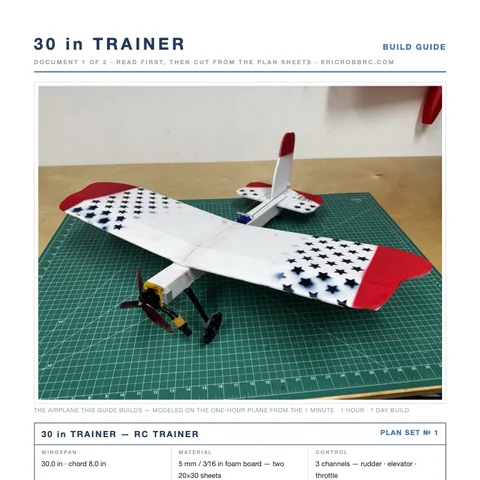 ER Sparrow Mk II Pre-Cut KitEvery foam part laser-cut and scored, the motor mount, the skewers, and the plans. Add your electronics and glue.$29.99See the kit →
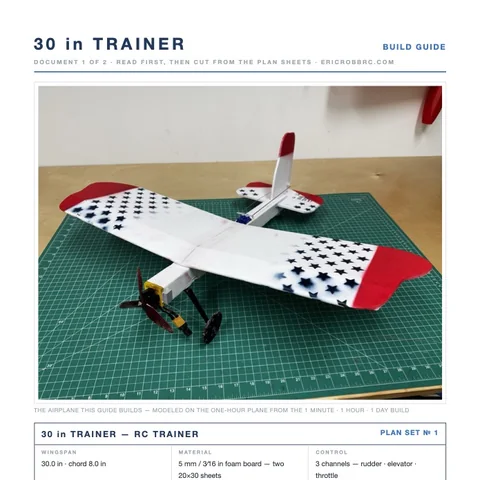 ER Sparrow Mk II PlansTrue-1:1 cutting templates and the 8-page build guide for the 30-inch one-hour trainer. Print at home or at a print shop.$8Get the plans →
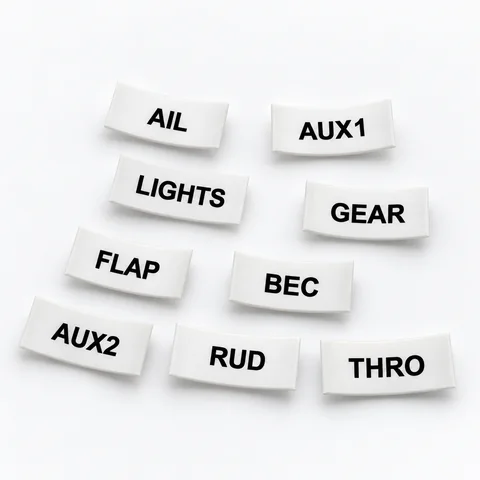 Servo Lead Heat-Shrink LabelsAIL, ELE, RUD, THRO and the rest, shrunk onto the lead so the receiver bay reads itself. Four packs.from $19.99See the label kit →
