Pick your battery, ESC, and servos — see exactly how everything plugs together, in the right order. Tap any part of the diagram to learn what it does.
Pick your battery, ESC and servos and this tool draws the exact hookup for your plane: which ESC wire goes where, which receiver channel each servo uses, and how the receiver gets its power. Free, no signup, and it prints.
The diagram updates live. Click any component or wire for a plain-English explanation.
Every box and wire is clickable — it'll tell you what it does, which way it plugs in, and what happens if you get it wrong.
Every connection in the diagram above uses these. Links are to specific products I've verified — as an Amazon Associate, I earn from qualifying purchases.
A basic RC airplane is only five electrical parts and four connections, but the order you connect them — and a couple of easy mistakes — decide whether it powers up or lets the smoke out. Pick your battery, ESC, receiver and servos and this tool draws the color-coded diagram for your exact setup, in the right hookup order.
The battery feeds the ESC; the ESC drives the three-wire brushless motor and also sends a clean 5V back up its signal lead to power the receiver (that's the BEC — your receiver has no separate battery on a basic setup). Each servo plugs into its receiver channel with a three-wire lead: signal, positive, ground. Plug the battery in last, and unplug it first.
Reversed battery polarity, powering the receiver from two sources at once, and back-feeding voltage are the classics — the diagram flags them for your parts. If the prop blows air the wrong way, you don't rewire anything: just swap any two of the three motor wires. For the plain-English version, read RC Plane Connections, Simplified.
Wiring sorted. Walk the preflight checks before the maiden, then save the setup so the next build starts from what worked.
Small parts from my own bench that make the wiring side of a build cleaner.
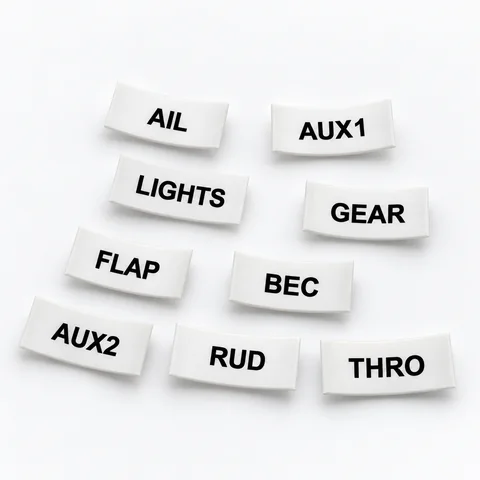 Servo Lead Heat-Shrink LabelsAIL, ELE, RUD, THRO and the rest, shrunk onto the lead so the receiver bay reads itself. Four packs.from $19.99See the label kit →
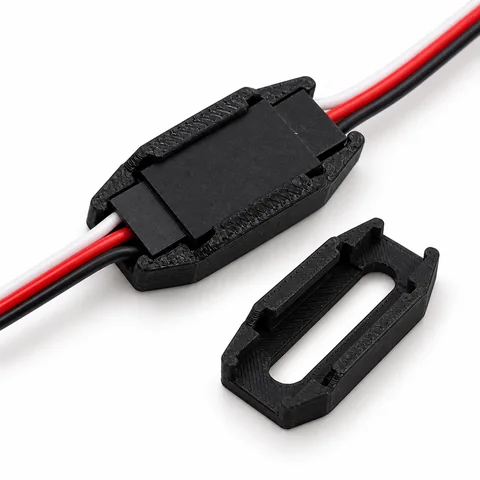 Servo Connector Safety LocksFifty locks that fit around a joined servo connection so an extension out in a wing stays plugged in.$14.99See the locks →
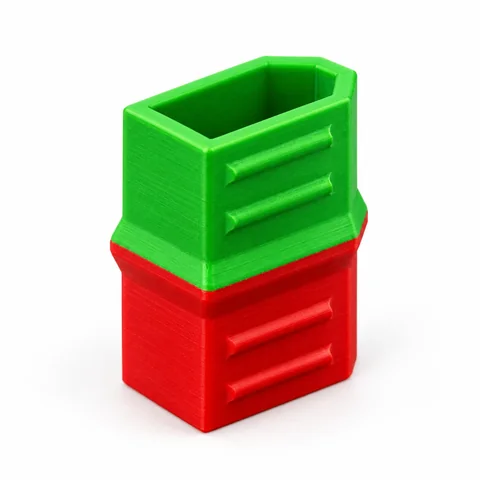 XT60 Battery Status CapsGreen end out: charged and ready. Red end out: flown. Twelve caps, so every pack in the box tells you.$11.99See the caps →
