Ask in your own words — or tap one of the common problems. The Flight Doctor works out what's actually wrong and how to fix it before your next flight.
This one has killed more first flights than wind, CG, and bad luck combined — and it's free to prevent. Before every flight, stand behind the plane: stick back → elevator goes up. If it moves down, reverse the elevator channel in your transmitter's menu.
If it drifts the same way every time you let go of the sticks, that's not your thumbs — it needs trim. Every plane needs a few clicks of trim — that's what the trim buttons are for. Click opposite the drift until hands-off flies straight. And if you're holding a LOT of trim, something physical is pushing it — a warp, a crooked motor, or weight on one side — so fix the plane, then move the trim back toward zero.
Press start — the plane hides a trim drift. Straighten it with the trim buttons (the arrow keys work too, while a button has focus).
After enough crashes, you learn that almost every "it just won't fly" ends up being one of a handful of causes. The troubleshooter above walks you to the specific one. Here's the short version of what it's looking for.
Pull back on the stick and the elevator goes down — the plane leaves your hand and dives straight in. It's one of the most common first-flight crashes there is, and it's free to prevent: stand behind the plane before every flight and confirm stick-back raises the elevator, stick-right raises the right aileron.
Tail-heavy planes zoom, stall, and flop over no matter how good your thumbs are. Nose-heavy planes won't rotate and land hard. The CG belongs about 25–30% back from the wing's leading edge, and the Airplane Designer gives you the exact number for your wingspan and style.
A backwards prop makes plenty of noise and hardly any thrust. The raised numbers on the blade — 9×4.7, for example — always face forward, toward the nose. If they already do and the air still blows the wrong way, swap any two of the three motor wires at the ESC.
If it lifts off and mushes back down, the wing is overloaded. Weigh the plane, then check wing loading in the calculators. A lighter battery is the fast fix; a bigger wing is the right one.
Foam board hides its injuries. A crease you can barely see can cut a wing's strength in half — that's exactly how my slow flyer folded a wing mid-air days after a small crash. If the plane has been in a wreck since it last flew well, flex-test the wings before you trust it.
New to all of this? Start with the beginner path, or start your next design from sane numbers with the Airplane Designer.
CG, wing loading, thrust, and control throws — worked out before you cut any foam.
Open the Airplane DesignerSee the exact hookup for your battery, ESC, receiver, and servos — and the mistakes that fry parts.
Open the Wiring DesignerEvery fix on this page came from something breaking on camera first.
See the build projectsSetup checked. Get the trim right in the air — and put in a few simulator flights before you risk the real plane.
The airplane this site is built around, as plans or cut for you, and the small parts I use on every build.
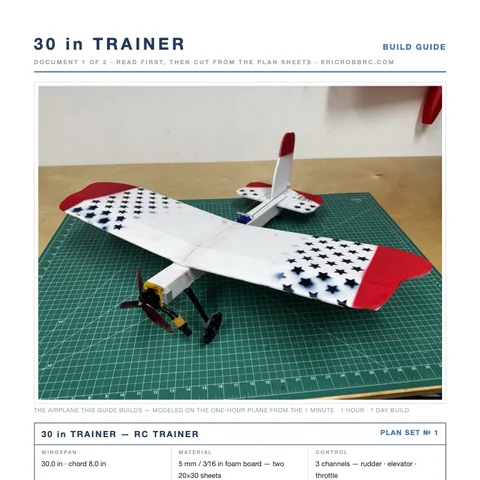 ER Sparrow Mk II Pre-Cut KitEvery foam part laser-cut and scored, the motor mount, the skewers, and the plans. Add your electronics and glue.$29.99See the kit →
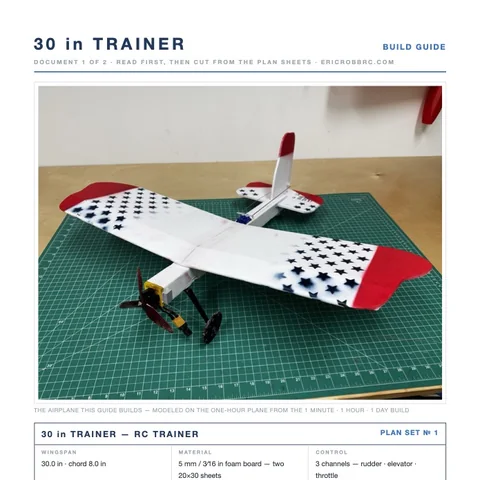 ER Sparrow Mk II PlansTrue-1:1 cutting templates and the 8-page build guide for the 30-inch one-hour trainer. Print at home or at a print shop.$8Get the plans →
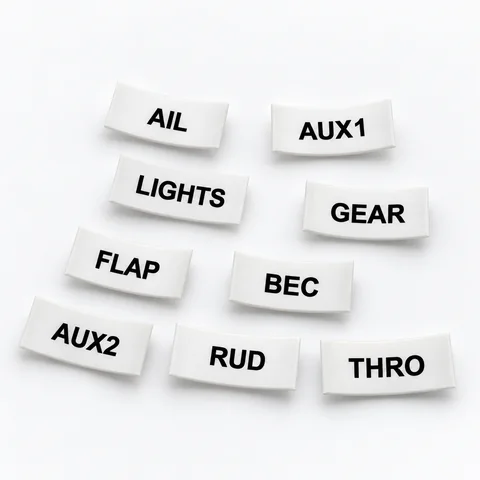 Servo Lead Heat-Shrink LabelsAIL, ELE, RUD, THRO and the rest, shrunk onto the lead so the receiver bay reads itself. Four packs.from $19.99See the label kit →
