If the plane drifts the same way every time you let go of the sticks, that's not your thumbs — it needs trim. And yes: the trim controls are those small buttons next to each stick. Pick what your plane is doing below and get the exact click, which way, and the after-landing step that makes the fix permanent.
Fly a straight pass in calm air, throttle steady, and briefly release the right stick. Then pick the drift:
Calm air, steady cruise throttle, plenty of altitude. Fly straight at yourself-height or higher, let the right stick go for a two-count, and watch the drift. Land the correction two or three clicks at a time — opposite the drift — then fly another hands-off pass. Most planes are done in two or three rounds. If you're past about eight clicks on any channel, stop: something physical is pushing the plane, and more trim just hides it.
Trim you leave in the radio is trim range you don't have next flight — and it hides whatever was crooked. On the bench: note the clicks you used, set trim back to zero, and turn the clevis on that surface's pushrod until the surface sits where the trim was holding it. Re-fly and confirm hands-off is still straight. If the same surface keeps needing trim flight after flight, hunt the cause: wing warp (sight down the wing), a motor mount pulling to one side, a shifted battery, or the CG.
Want to practice reading drift before it matters? The Flight Doctor page has an interactive trim trainer — it hands you a drifting plane and scores your clicks.
And if this is your first plane rather than your fifth, trimming is one step in a longer sequence — the beginner path from first plane to first flight covers what has to be right before you're up there letting go of the sticks at all.
If trim can't hold it straight — or it's twitchy rather than drifting — the cause is deeper than the trim buttons.
The airplane this site is built around, as plans or cut for you, and the small parts I use on every build.
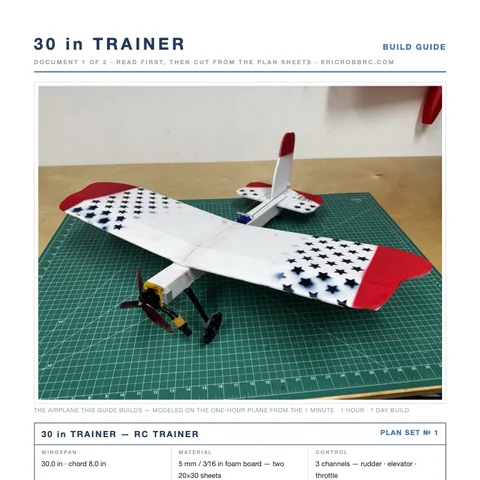 ER Sparrow Mk II Pre-Cut KitEvery foam part laser-cut and scored, the motor mount, the skewers, and the plans. Add your electronics and glue.$29.99See the kit →
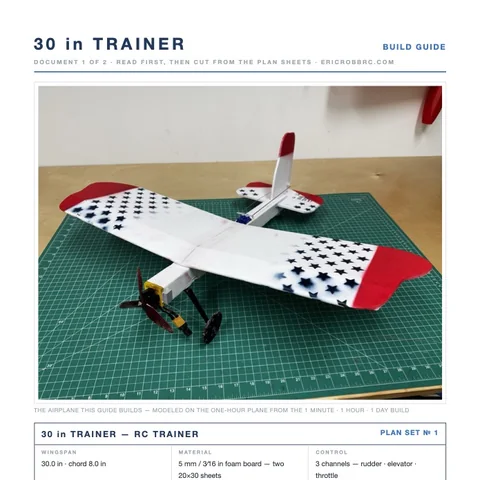 ER Sparrow Mk II PlansTrue-1:1 cutting templates and the 8-page build guide for the 30-inch one-hour trainer. Print at home or at a print shop.$8Get the plans →
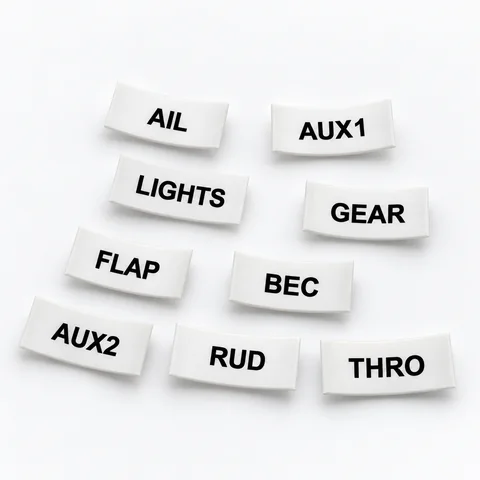 Servo Lead Heat-Shrink LabelsAIL, ELE, RUD, THRO and the rest, shrunk onto the lead so the receiver bay reads itself. Four packs.from $19.99See the label kit →
