Document your build like a pro. Fill in the fields, drop in a photo, hit print — you get a clean one-page PDF spec sheet for your airplane. Your work saves automatically in your browser.
| Type | — |
| Wingspan | — |
| Length | — |
| Material | — |
| Weight | — |
| Wing | — |
| Mount | — |
| Fuselage | — |
| Tail | — |
| Controls | — |
| Motor | — |
| ESC | — |
| Propeller | — |
| Servos | — |
| Transmitter | — |
| Receiver | — |
| Battery | — |

Every builder eventually forgets the exact motor, prop, or CG that made a plane fly right — and then can't reproduce it after a crash. A one-page spec sheet fixes that. Fill in your dimensions, electronics, and setup, add a photo, and print a clean reference you can keep in your field box or hand to someone copying your build.
The details that matter for repeating a good flight: wingspan and weight, the full power system (motor, ESC, battery, prop), servo and receiver setup, your control throws and expo, and — most importantly — the CG you balanced at. Those are exactly the numbers you'll wish you'd written down after a hard landing.
A spec sheet turns a one-off success into a repeatable design, makes it easy to share a build with the community, and gives you a baseline to change one variable at a time when you tune. Design the plane in the Airplane Designer first, then document the version that actually flew.
Spec saved. Share the finished plane with the community, then start the next design.
Small parts from my own bench that make the wiring side of a build cleaner.
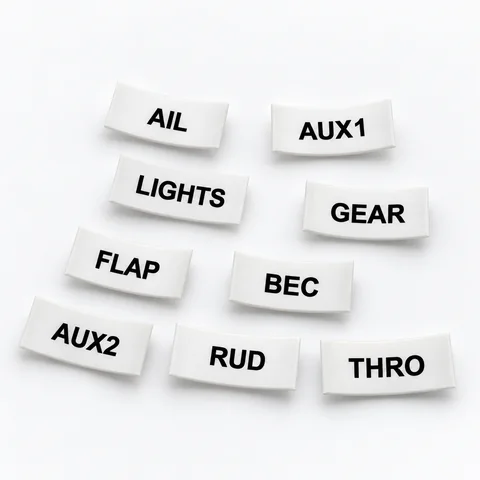 Servo Lead Heat-Shrink LabelsAIL, ELE, RUD, THRO and the rest, shrunk onto the lead so the receiver bay reads itself. Four packs.from $19.99See the label kit →
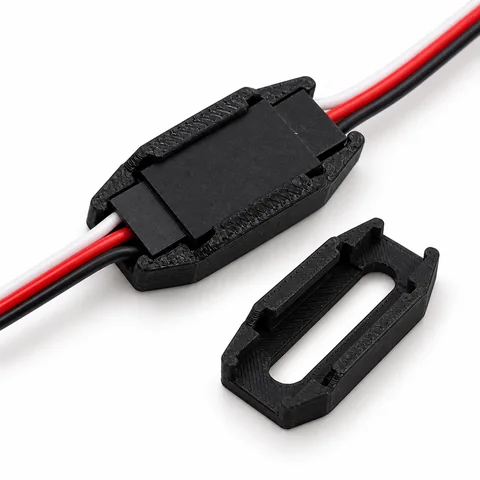 Servo Connector Safety LocksFifty locks that fit around a joined servo connection so an extension out in a wing stays plugged in.$14.99See the locks →
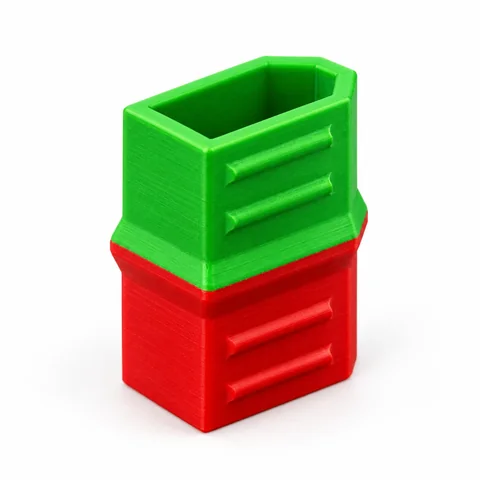 XT60 Battery Status CapsGreen end out: charged and ready. Red end out: flown. Twelve caps, so every pack in the box tells you.$11.99See the caps →