A CO2 laser turns a stack of balsa or light ply into a perfect rib set in minutes — every part identical, kit-quality, at home. Here's what it can and can't cut, how to size the bed to the planes you actually build, and four OMTech machines ranked for RC — from a $600 starter to a whole-wing shop machine.
Last reviewed: August 2026
A CO2 laser cuts balsa and light ply into kit-quality rib sets at home. Size the bed to your planes: an 8×12-inch K40-class machine handles formers, a 20-inch bed cuts full rib sets, and a 20×28 bed takes 12×24 sheets. The OMTech Polar Lite 55W is the pick for most builders; the K40+ is the cheapest way to try CO2.
It cuts flat parts, perfectly and repeatably: wing ribs, formers, fuselage sides, doublers, gussets, jigs — from balsa, light plywood, foam board, depron, and acrylic. Draw the part once and cut ten identical copies, or a whole rib set that actually lines up. It's how kit manufacturers make parts, and a desktop CO2 laser brings that home. If you build balsa or ply — or you want to sell short-run kits — it's transformational.
The single most important spec is bed size — it has to fit your biggest single part. A 20″-span rib fits almost anything; a full-size fuselage side or a 40″ wing panel needs a big table. Everything else is secondary:
Three quick answers and I’ll point at one of the four machines above.
Most desktop builders: the Polar Lite 55W. Its 20″×12″ pass-through bed swallows most ribs and formers, it cuts balsa and light ply in a pass, and it fits on a bench — the best balance of capability and space for RC. Just dabbling / tightest budget? The K40+ gets you cutting for a few hundred dollars if you accept the hands-on setup. Cutting whole wings or batching parts (or for others)? Step up to the 90W Maker for full rib sets, or the 100W Pronto for long one-piece fuselage sides. Buy for the biggest part you'll actually cut — bed size is the thing you can't upgrade later.
The airplane this site is built around, as plans or cut for you, and the small parts I use on every build.
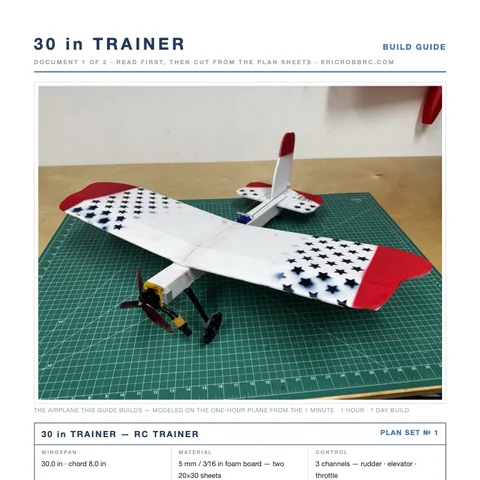 ER Sparrow Mk II Pre-Cut KitEvery foam part laser-cut and scored, the motor mount, the skewers, and the plans. Add your electronics and glue.$29.99See the kit →
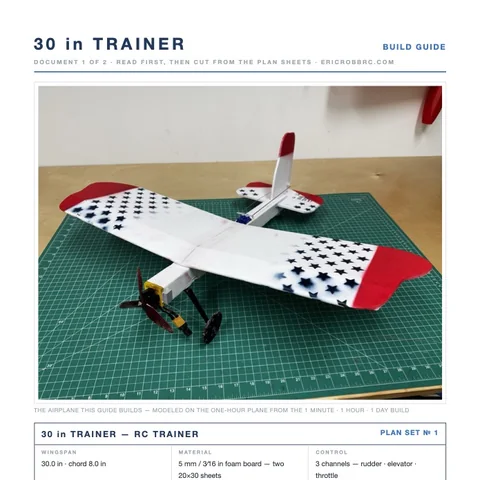 ER Sparrow Mk II PlansTrue-1:1 cutting templates and the 8-page build guide for the 30-inch one-hour trainer. Print at home or at a print shop.$8Get the plans →
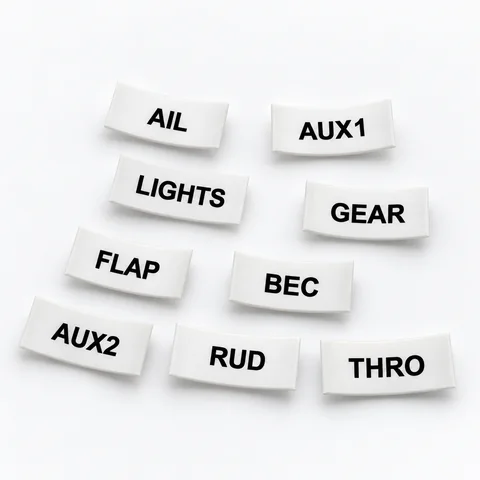 Servo Lead Heat-Shrink LabelsAIL, ELE, RUD, THRO and the rest, shrunk onto the lead so the receiver bay reads itself. Four packs.from $19.99See the label kit →
